1
Indexability
Whether a page exposes technical signals that permit or encourage indexing.


Free technical SEO check
Review existing public page metadata and robots directives.
This bounded public check shows supported evidence only. Review the result before making a site change.
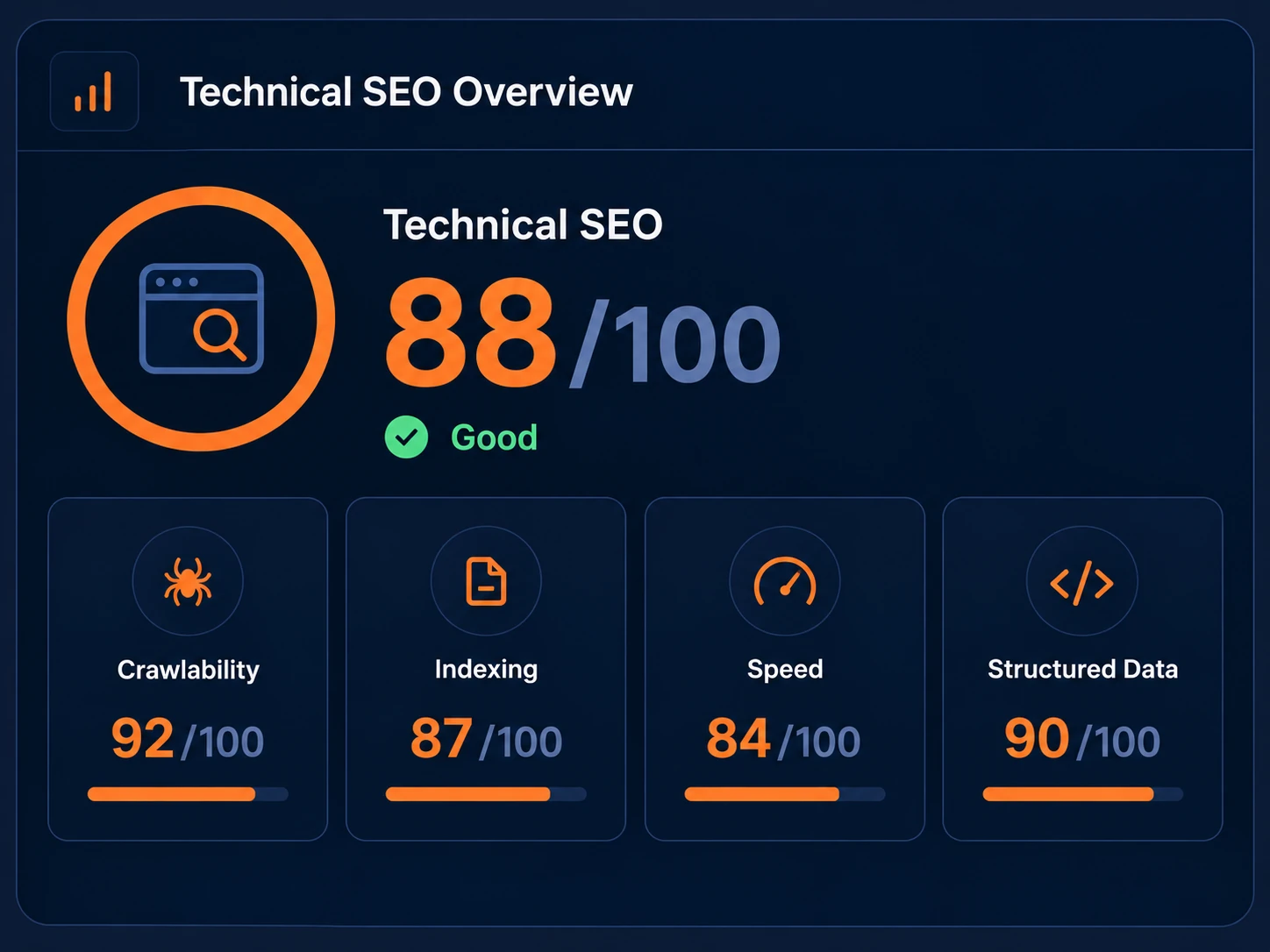
An indexability checker reviews page-level technical signals such as response status, canonical URLs, metadata, and robots directives where available. It cannot confirm Google indexing or ranking.
Each supported result maps to observed evidence, a status, why it matters, and next-step guidance. Unavailable evidence remains not checked rather than being inferred.
Whether a page exposes technical signals that permit or encourage indexing.
Whether a search engine has actually chosen to store and serve the page.
Indexability is whether page-level technical signals permit or encourage indexing. Indexing is whether a search engine has actually chosen to store and serve a page. A page can be technically indexable without being indexed.
1. Check
Run the current public URL.
2. Fix
Use the observed evidence to update the responsible setting.
3. Recheck
Confirm the public signal after caches or deployments settle.
Why continuous monitoring can matter
Template edits, SEO-plugin changes, launches, migrations, and CMS deployments can change page-level technical signals. A one-off checker is useful for diagnosis; monitoring helps keep priority client pages healthy.
Save and monitor this website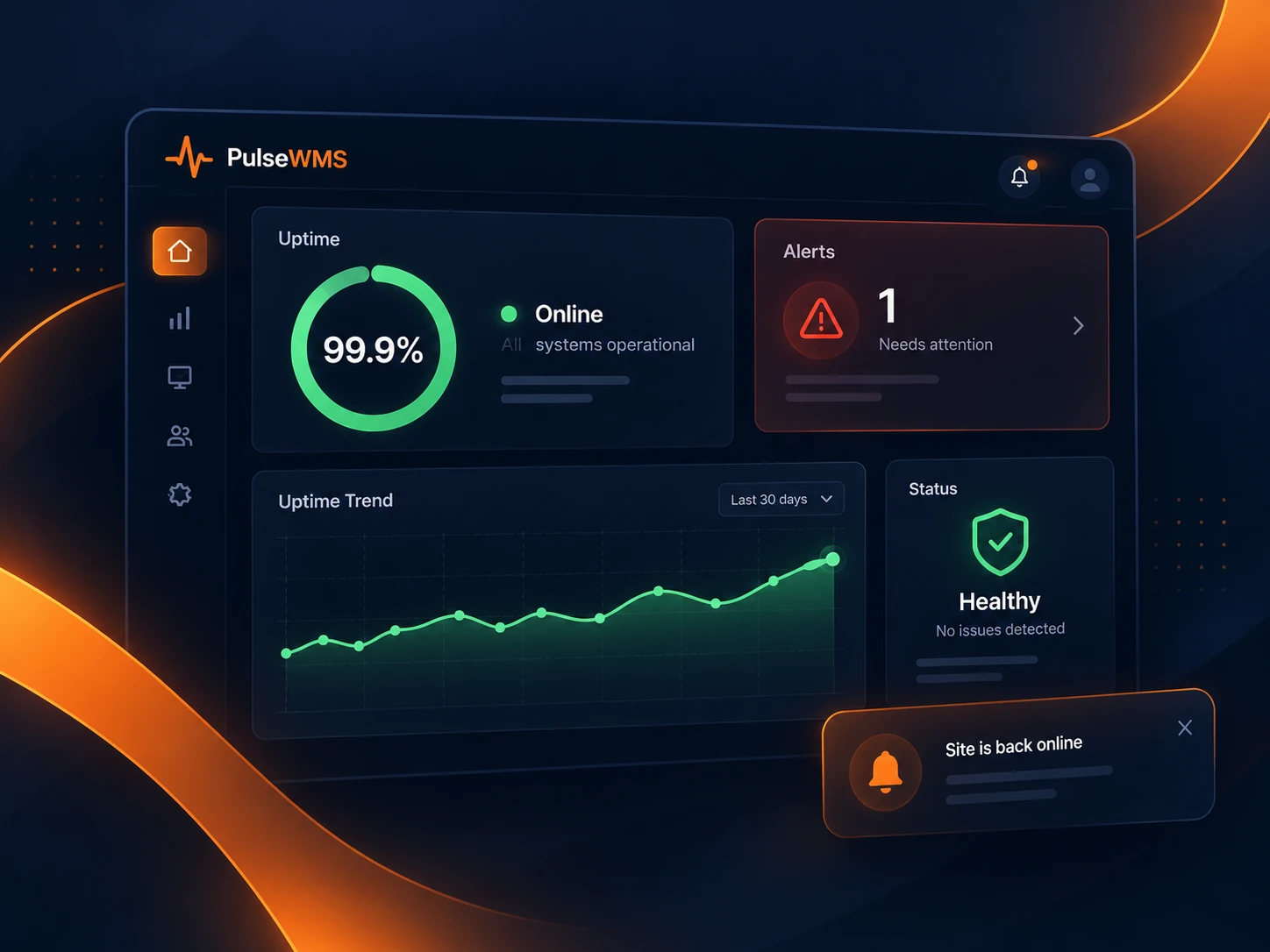
For agencies
Use the free checker to diagnose a priority URL. When canonical, robots, or metadata signals matter across client sites, a supported Pulse monitoring workflow makes repeat checks more useful.
A page-level noindex directive can discourage indexing, while robots.txt communicates crawler-access rules; neither label alone is a confirmed Google indexing verdict.
A canonical URL is a preferred-URL signal. It can help explain which version of a page a search engine may treat as primary.
Use the bounded evidence above to take the next appropriate action, then return to the same public URL after a change.
Recheck this website