1
robots.txt
Communicates crawler-access directives and may reference sitemap locations.


Free crawl discovery check
Review public robots.txt and a declared same-host sitemap.
This bounded public check shows supported evidence only. Review the result before making a site change.
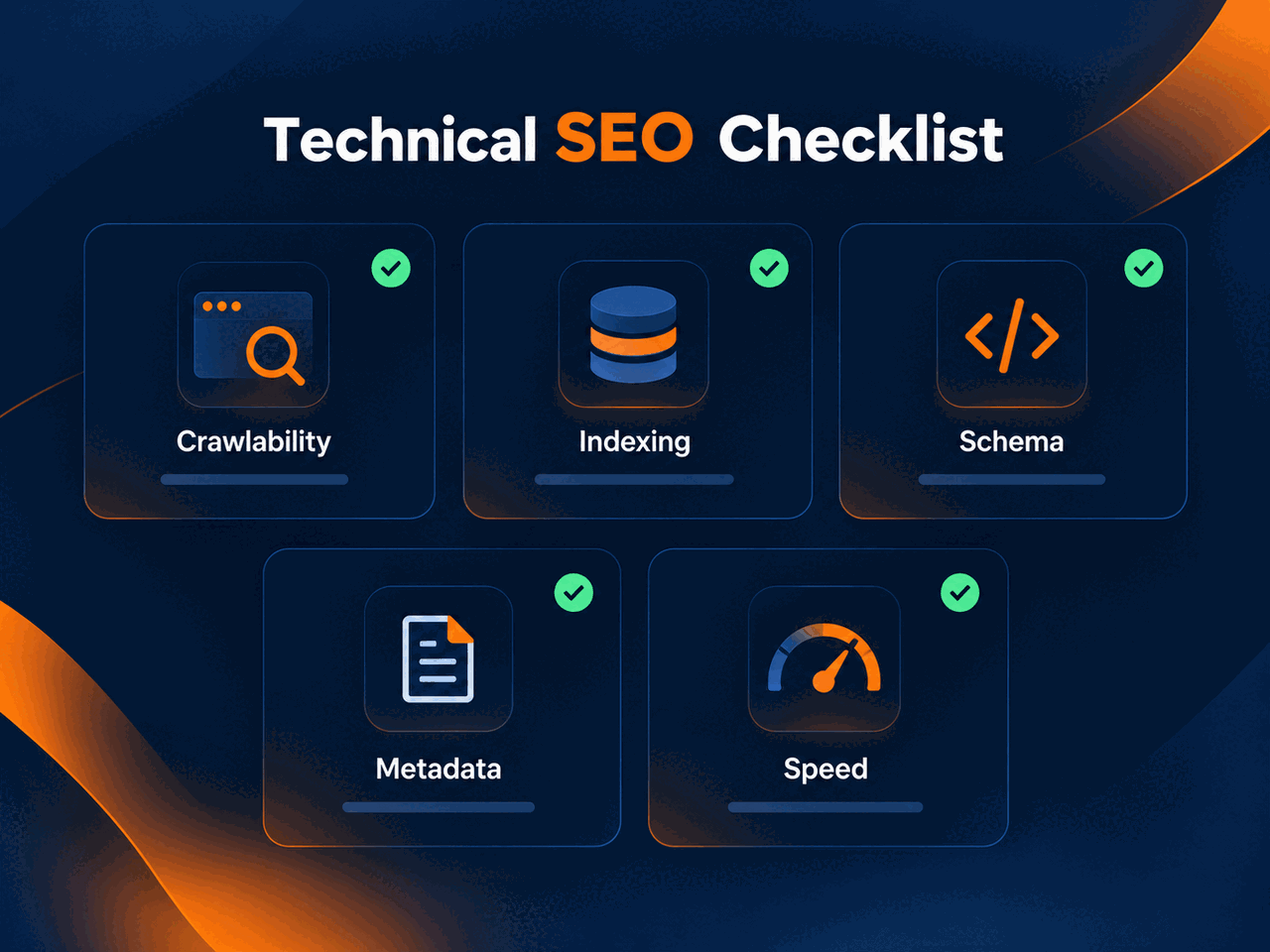
This checker reviews public crawl and discovery files. robots.txt can communicate crawler-access rules, while XML sitemaps help search engines discover intended URLs. Healthy files do not guarantee indexing.
Each supported result maps to observed evidence, a status, why it matters, and next-step guidance. Unavailable evidence remains not checked rather than being inferred.
Communicates crawler-access directives and may reference sitemap locations.
Lists intended URLs or sitemap indexes for discovery.
Robots.txt communicates crawler-access directives and can reference sitemap locations. An XML sitemap lists intended URLs for discovery. Neither file guarantees rankings or indexing.
1. Check
Run the current public URL.
2. Fix
Use the observed evidence to update the responsible setting.
3. Recheck
Confirm the public signal after caches or deployments settle.
Why continuous monitoring can matter
Migrations, redesigns, plugin updates, CDN changes, and deployments can alter robots or sitemap behavior. For important client sites, monitoring reduces reliance on manual spot checks.
Save and monitor this website
For agencies
The free checker is useful after a change. Agencies can use supported Pulse monitoring workflows when crawl-discovery signals need repeatable attention across client sites.
A broad Disallow: / rule can communicate a site-wide crawl restriction to participating robots parsers.
Use Search Console for submitted sitemap and URL-inspection evidence; use a full crawler for exhaustive internal URL, canonical, noindex, and link analysis.
Use the bounded evidence above to take the next appropriate action, then return to the same public URL after a change.
Recheck this website